The Result
What This Project Was
This tool came from a very specific systems problem: browsers do not allow one site to inject microphone audio directly into another tab, even when the workflow clearly needs it. I needed a local utility that could take audio from one browser context and make it available to another in a standards-compliant way.
The Main Problem
Direct browser-to-browser microphone injection is intentionally blocked for security reasons. That makes voice relays, assistive browser workflows, and certain AI-audio interactions harder to implement than they appear. The challenge was to move audio safely between sessions without violating browser security constraints.
The Key Turning Point
The correct solution was not to fight the browser sandbox, but to bridge across it. By using WebRTC for tab-to-tab streaming and an OS-level virtual sink for final routing, the system stays within platform rules while still enabling the desired audio handoff.
What I Built
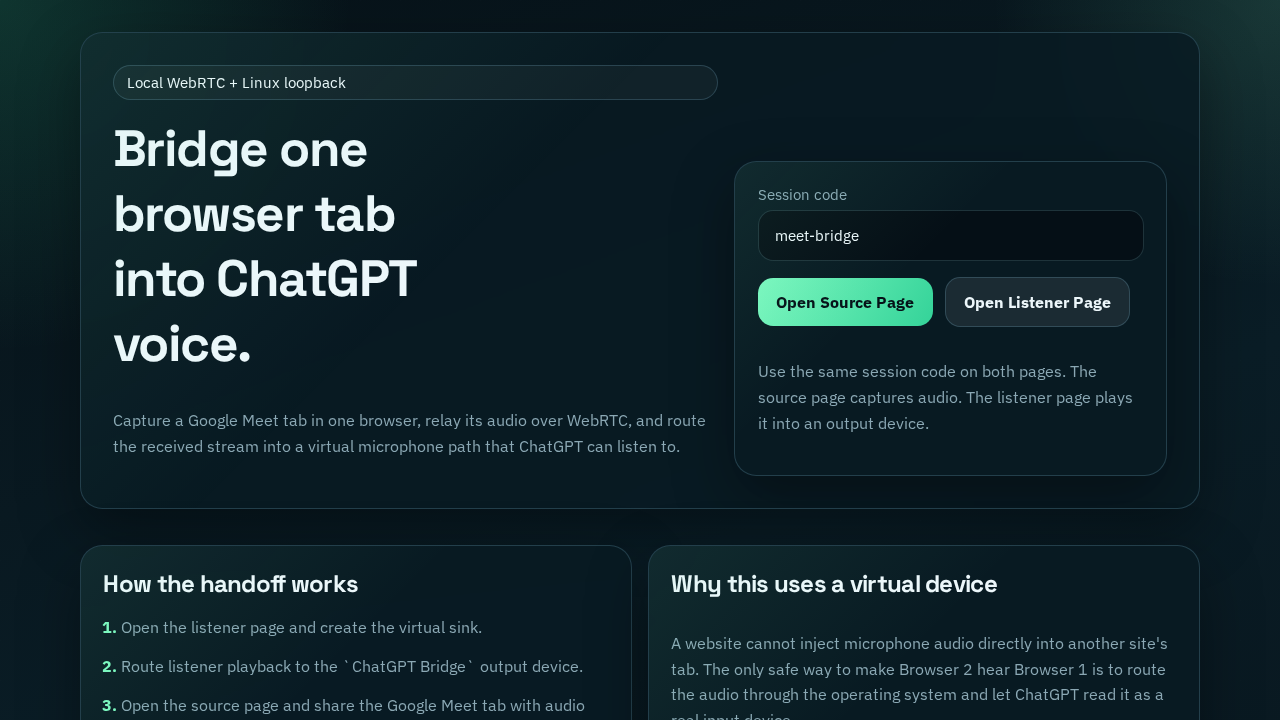
I implemented a local WebRTC bridge that captures shared tab audio, delivers it to a listener page, and plays it through a selectable output device. On Linux systems it can create a dedicated PulseAudio or PipeWire null sink so the monitor source becomes a usable microphone input for another browser session. That makes a previously awkward manual workflow dependable and repeatable.
Before vs After
| Evaluation Metric | Before Implementation | Optimized Resolution |
|---|---|---|
| Audio Routing | Manual fragile workarounds | Structured bridge flow |
| Browser Limits | Hard blocker | Compliant OS-level routing |
| Voice Input Reuse | Not practical | Repeatable device-based setup |
What It Included
Captures shared browser-tab audio and relays it to a second session
Supports virtual sink creation for Linux audio routing
Lets downstream browser tools consume routed audio as microphone input
Works even when automatic sink creation is unavailable